Payment Method
The Payment Methods section allows you to add, manage, and remove payment options for your Savanna account.
Add a new Payment Method
-
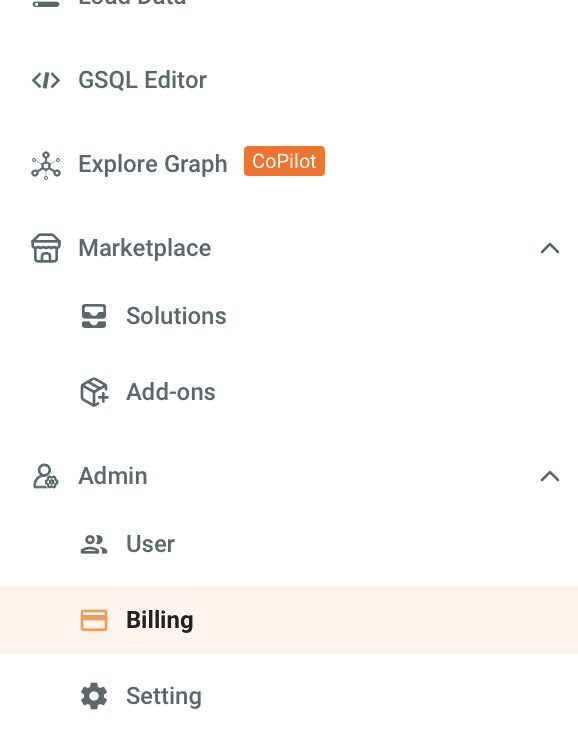
Navigate to the Billing tab in the left navigation.
-
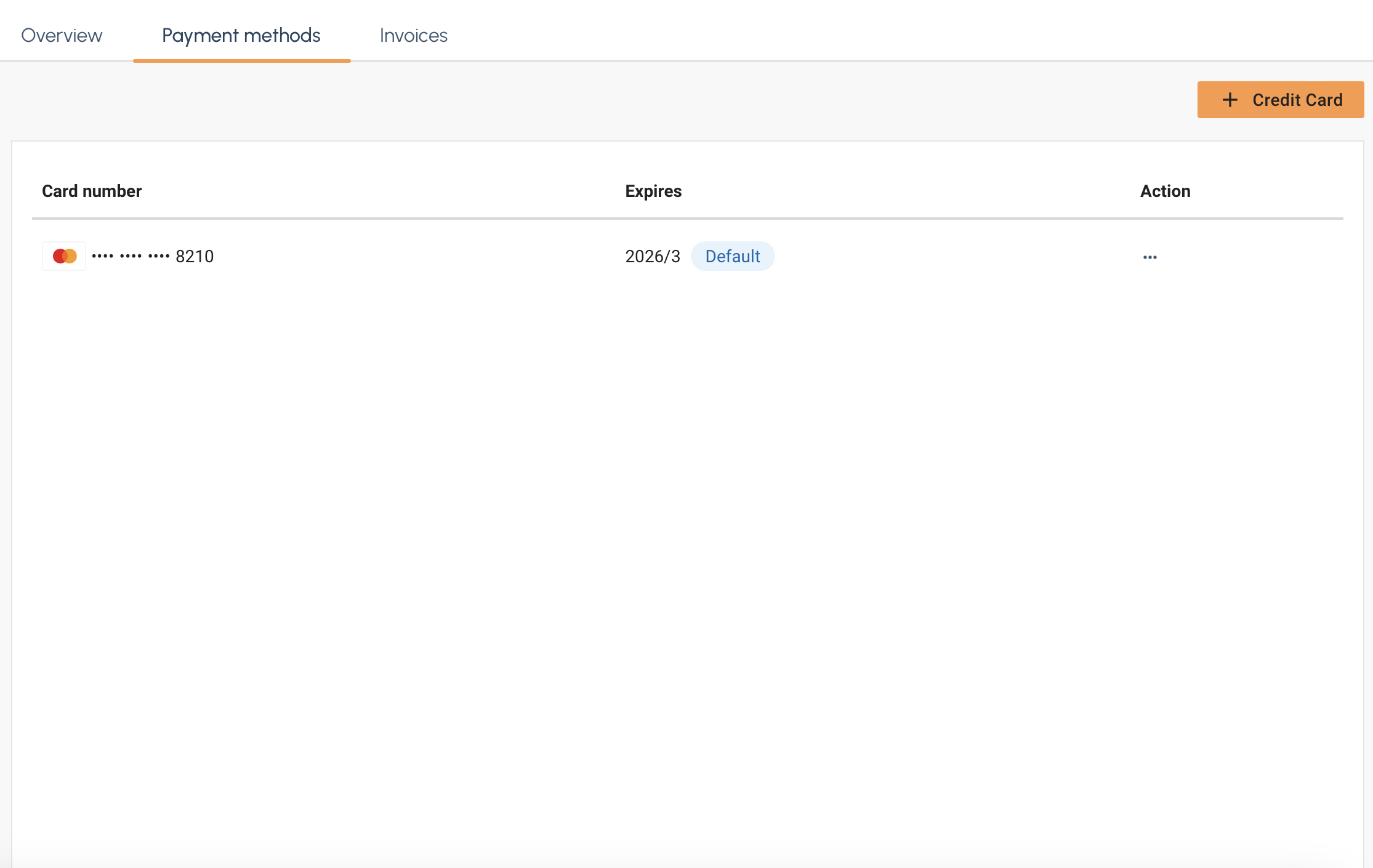
Select the Payment Method tab and then select the + Credit Card button on the right.

-
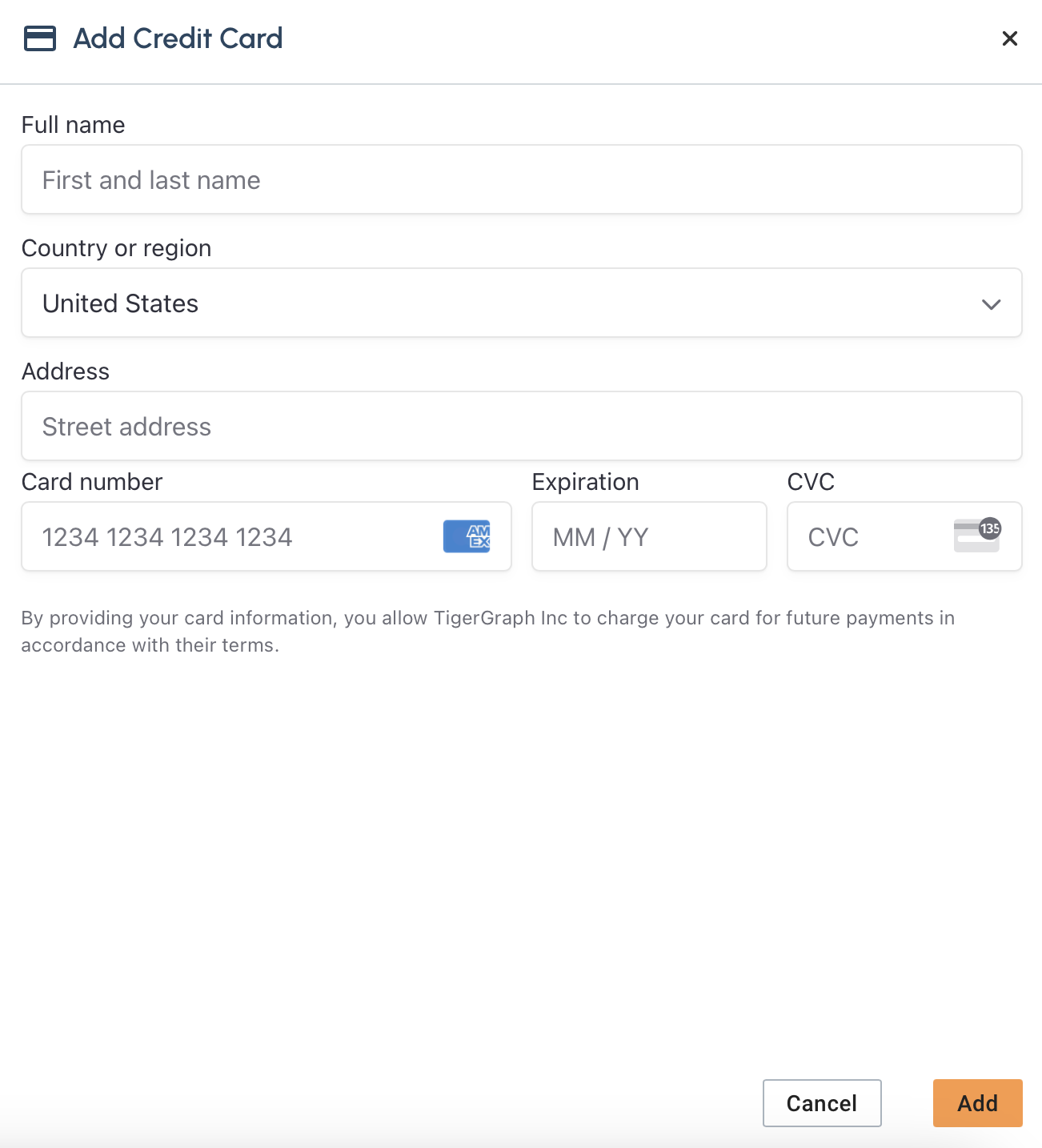
The Add Credit Card panel should apper on the right.
-
Fill in your credit card information and select Add
-
After you select Add you new payment method should appear in the list.
Delete a payment method
-
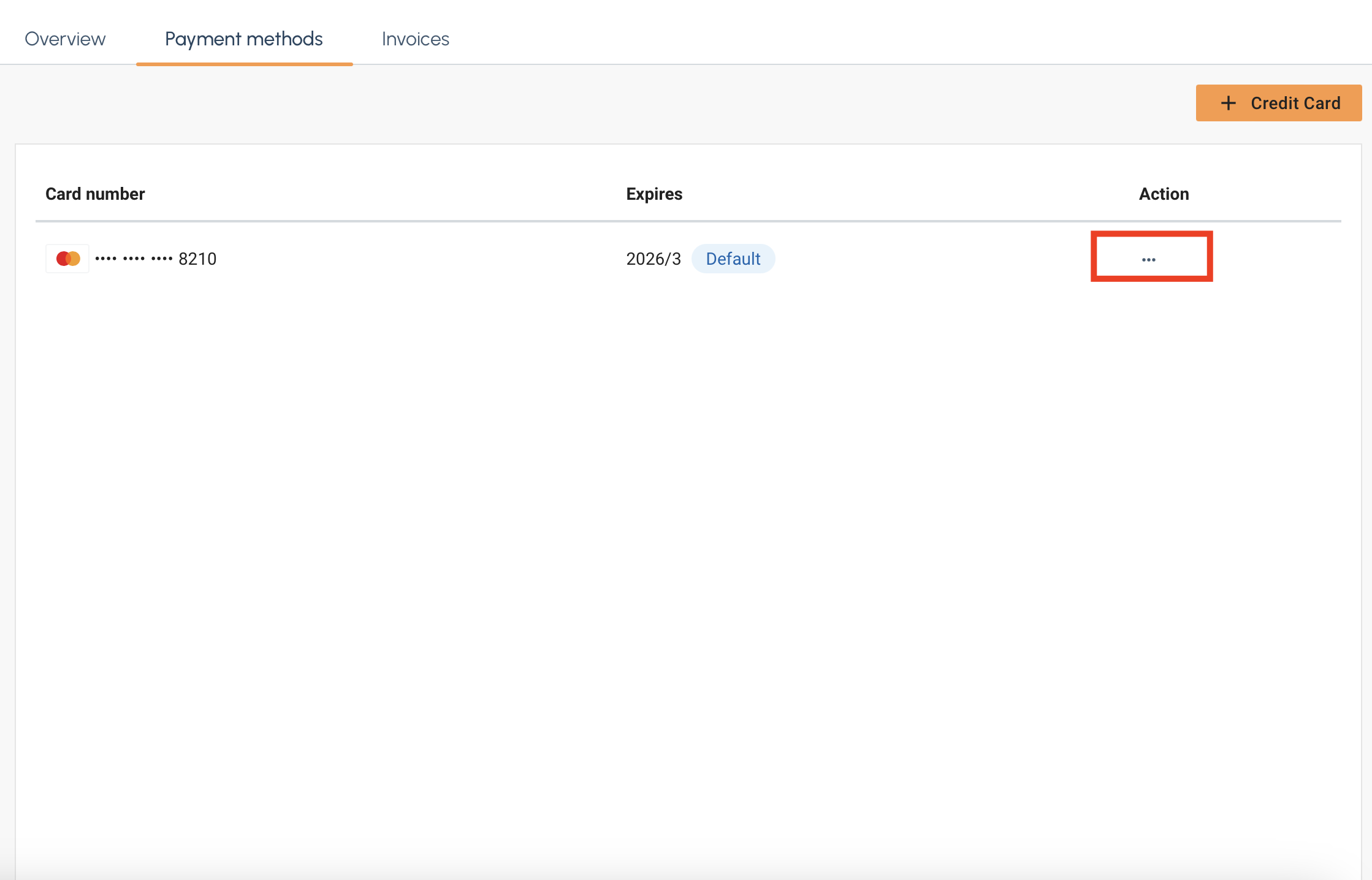
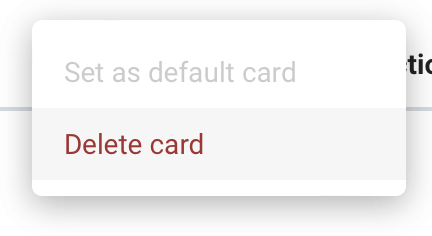
First, in the payment method list select the … under the Action column.
-
Click on Delete Card and the card will be removed from the list.
Subscriptions
You can also pay for Savanna via AWS marketplace subscription.
|
Upon subscription, AWS Marketplace subscription will only be set as the default payment method if there is currently an invoice balance of 0 and no existing usage. If you have an existing account or would like to switch payment methods to AWS Marketplace, please contact support@tigergraph.com. |
-
Click the link above to navigate to our AWS Marketplace listing.
-
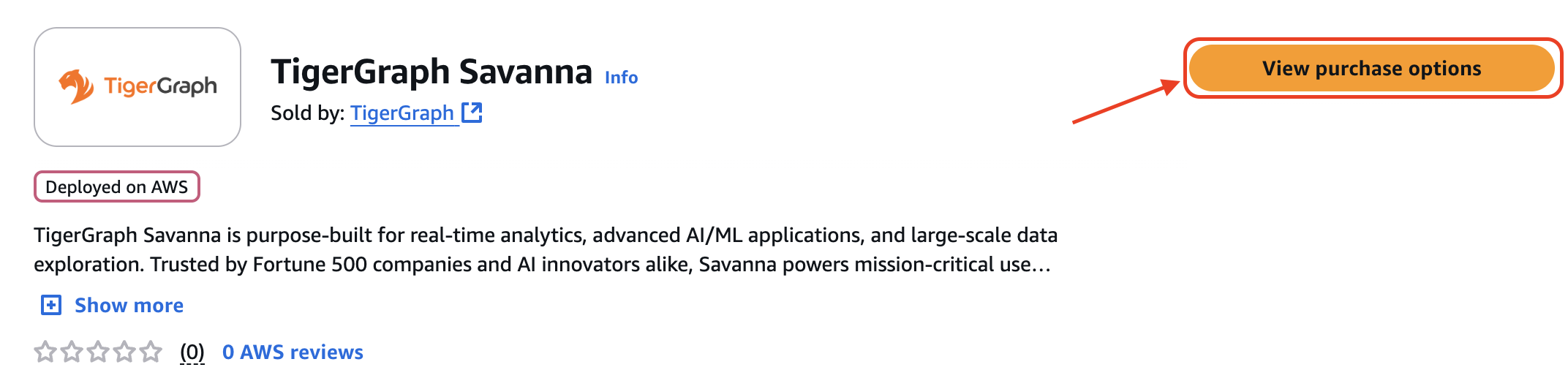
Select the View purchase options button on the right.
-
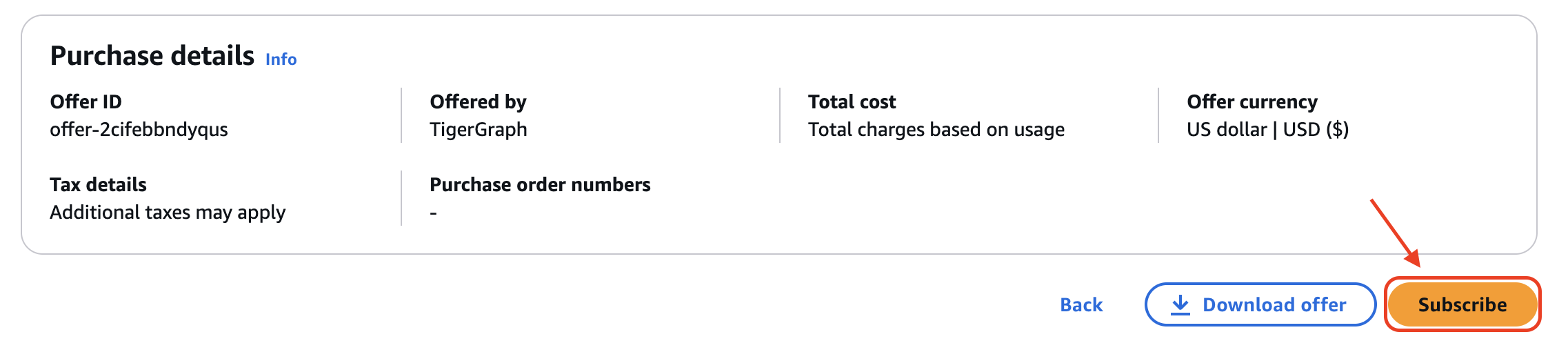
Scroll down to the Subscribe button on the left and select it.
-
A pop up will then appear at the top. Select the Set up your account button on the right to be redirected to Savanna.
If you are not signed in, please sign in to Savanna then click the link again to be redirected to the proper page. 
-
Navigate to the Billing tab in the left navigation panel.
-
Select the Payment Methods tab at the top. Your AWS Marketplace subscription should now appear with its status.
If it says pending, please wait then refresh. It should be activated momentarily. 
Next Steps
Next, learn about other billing topics on the Billing Overview page or check out the Resources section.
Return to the Overview page for a different topic.